


Submittal Package Builder
The fastest, most accurate way to build your expansion joint submittal
How it Works -- Expansion Joint Submittal Package Builder
1) Create Your Account
Start your expansion joint submittal on our secure portal. Once registered and logged in, you’ll access Emseal product assets, technical documentation, BIM files, and supporting materials.
2) Create a Project
After logging in, create a project to organize your submittal documents.
3) Select Your Emseal Expansion Joint Products
Browse Emseal systems and choose the products to include in your package.
4) Customize Your Expansion Joint Submittal Package
Add the exact materials needed for review and approval:
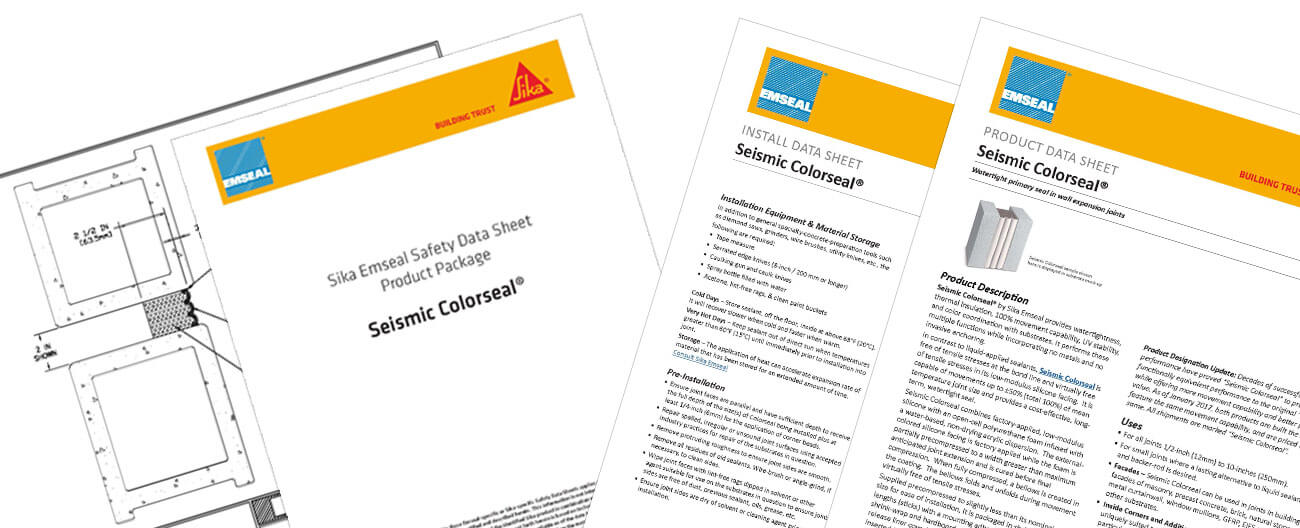
- Technical data sheets
- Installation instructions
- BIM/Revit models
- Sustainability and warranty documentation
- Safety Data Sheets (SDS)
5) Enter Your Project Information
Provide key project details so the final package is properly labeled and ready for stakeholders:
- Project name and location
- Specifying firm / design team
- Contractor or subcontractor information
- Optional notes for reviewers
6) Generate & Receive Your Completed Package
Click Generate. The system compiles your selections into a polished expansion joint submittal package.
Note: You’ll receive an email notification when the package is ready, including a link to download your completed files. The package will also be accessible from your account page in the portal.
FAQs
Do I need an account to create an expansion joint submittal?
Yes. Create your account at https://emseal.archbase.io/ to access the builder.
Can I edit my selections before generating the package?
Yes. You can modify products and documentation selections, and update Project Information, before clicking Generate.
How will I receive my completed package?
After you click Generate, you’ll get an email notification with a secure download link once your expansion joint submittal is ready. The submittal will also be available in your account portal.
Where can I find additional technical resources?
Visit https://www.emseal.com/resources/ for color options, videos, lead times, sales and technical contact info, and much more or explore our product selection guide for expansion joint solutions for specific applications.